
 Image 1 of 1
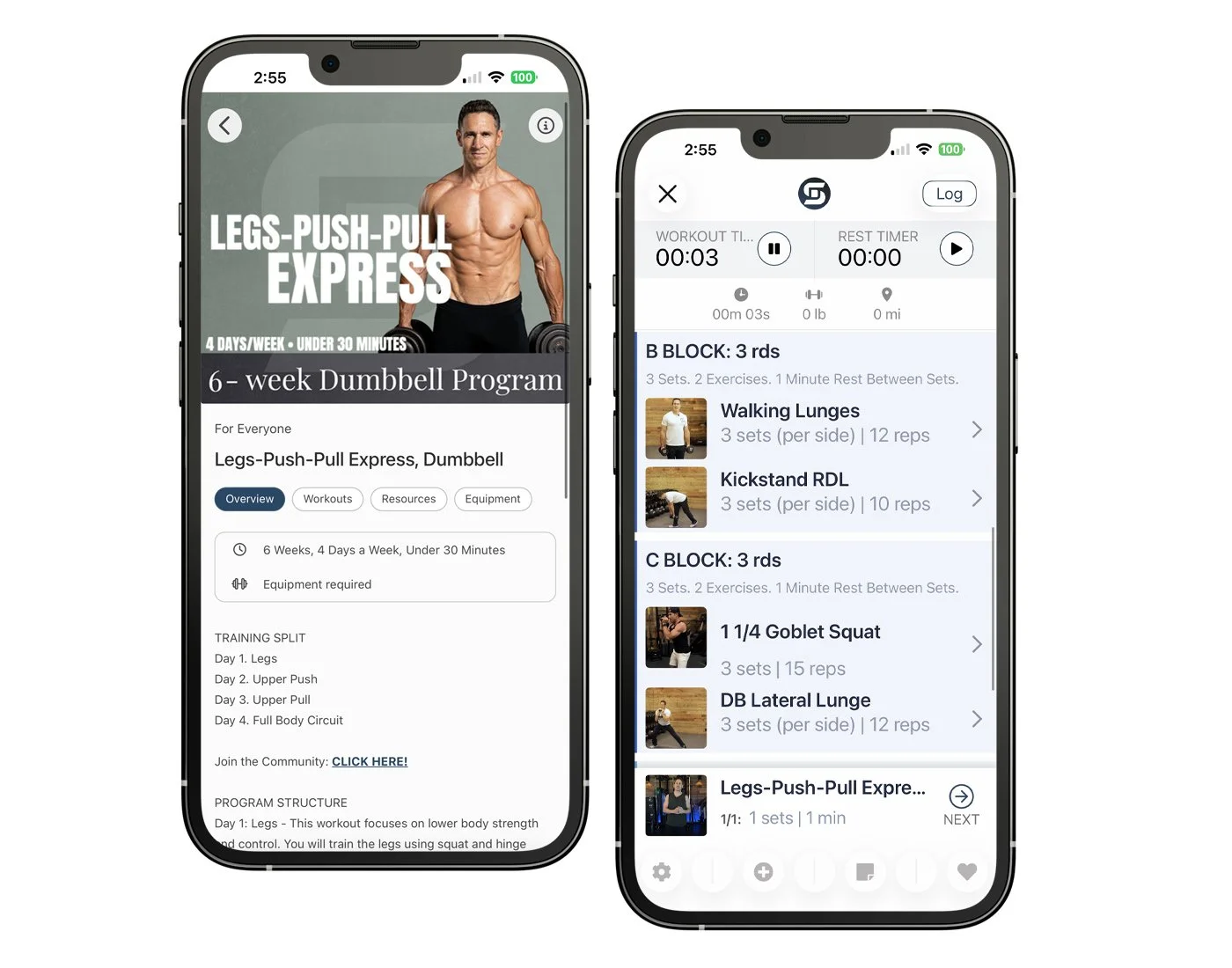
Training Split:
Day 1. Legs
Day 2. Upper Push
Day 3. Upper Pull
Day 4. Full Body Circuit
What’s Included:
Legs-Push-Pull Express, Gym Program
App Access with companion eBook
Exercise Demonstration Videos
Weight Logging & Tracking
Nutrition, Supplement, & Macro Guides
Private Group Access
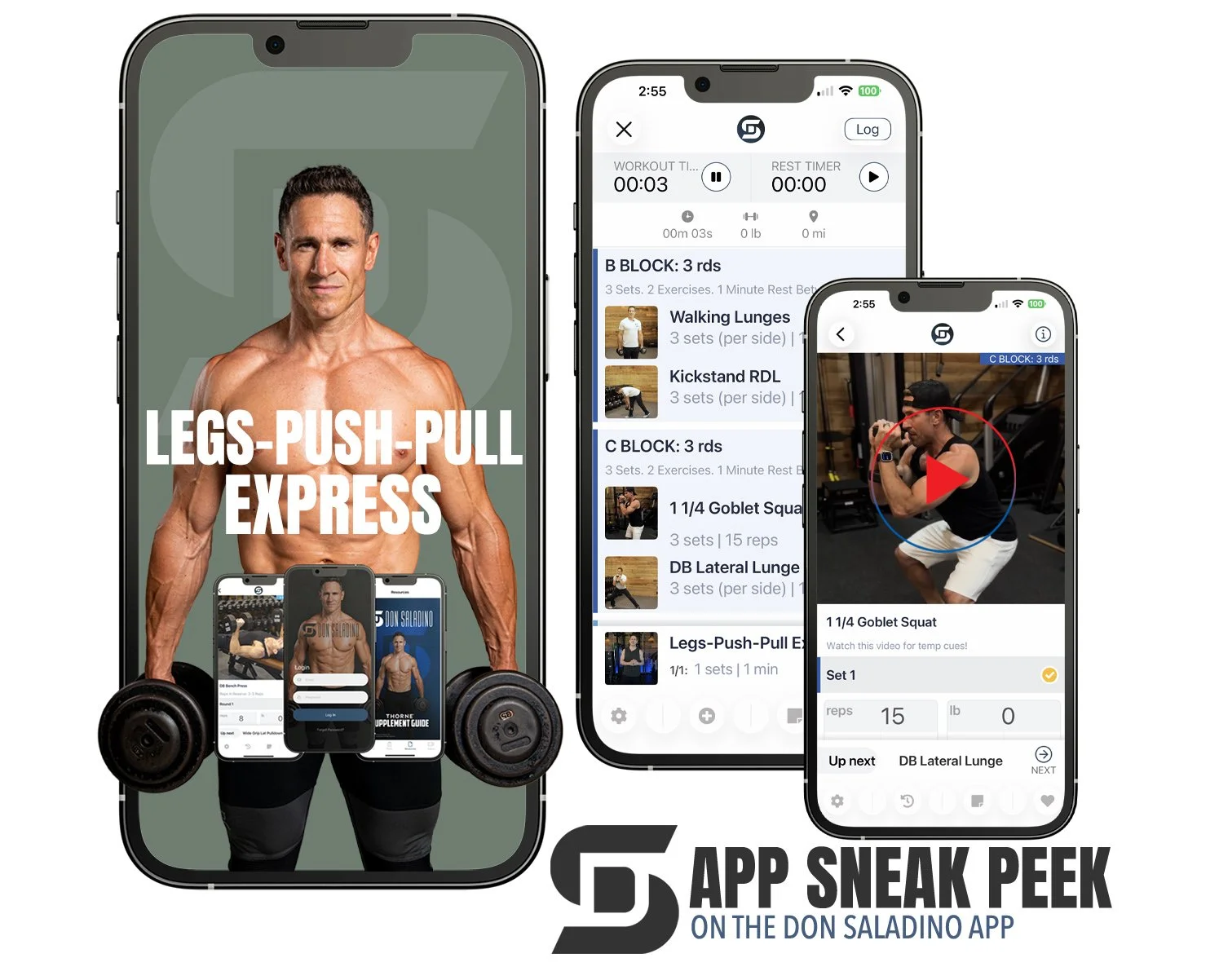
There is no subscription for the Don Saladino app. The app is FREE. Your purchased programs will be stored & accessed within your app account.
ABOUT THE PROGRAM
PART OF THE EXPRESS SERIES
(6 WEEKS · 4 DAYS PER WEEK · UNDER 30 MINUTES)
Legs-Push-Pull Express is designed for people who want a quick, effective workout. This program separates lower body, pushing, and pulling movements so you can train each pattern with more intent while still maintaining balance across the week.
🛠️ PROGRAM STRUCTURE
Day 1: Legs - This workout focuses on lower body strength and hypertrophy (muscle growth). You will train the legs using squat and hinge patterns along with unilateral work to improve balance and coordination. The session builds strength while reinforcing proper movement and stability.
Day 2: Upper Push - This workout targets upper body pushing strength. You will train the chest, shoulders, and triceps using pressing patterns and accessory movements to build strength and muscle.
Day 3: Upper Pull - This session focuses on upper body pulling strength. You will train the back and arms using horizontal and vertical pulling patterns. Additional work targets the shoulders and core to improve stability and overall upper body balance.
Day 4: Full Body Circuit- This workout moves through a continuous circuit that trains the entire body. You will cycle through lower body, upper body pushing and pulling, and core movements with minimal rest. The goal is to improve conditioning and endurance while still reinforcing strength across all major movement patterns.
Buy the Legs-Pull-Pull Express, Dumbbell Program!

To get familiar with the app, check out the How to Use the App video in the sidebar and the How to Use the App guide in the Resources section, located in the footer.

While logging your workout, tap the History Button ↺ (second icon in the footer), a pop-up screen will appear with your logging history for the exercise, tap Close in the upper left corner to return to logging.

You can change from pounds to kilograms by tapping Settings in the lower right of the footer, toggling the slider on for Metric, and tapping Save in the upper right corner.